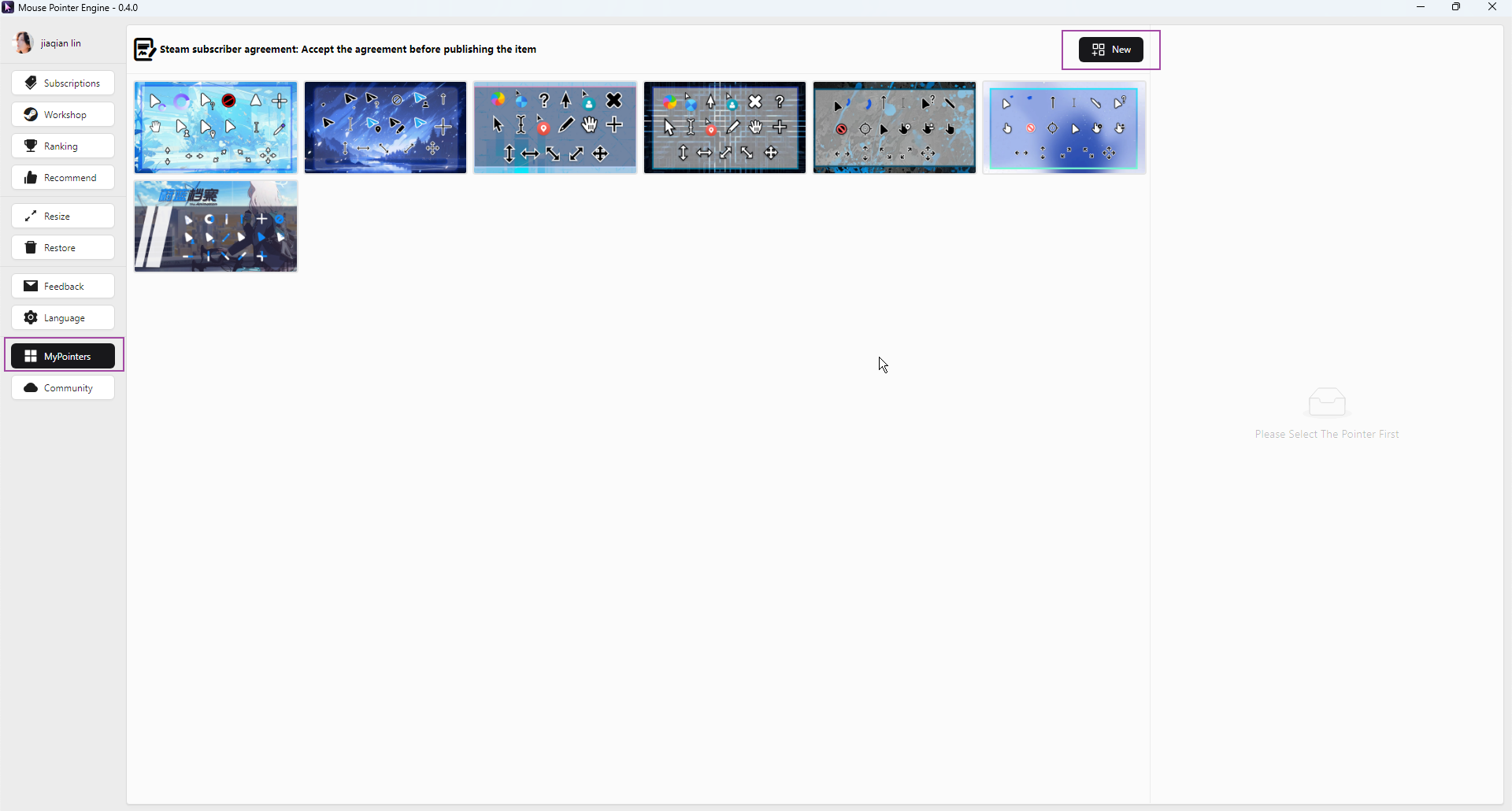
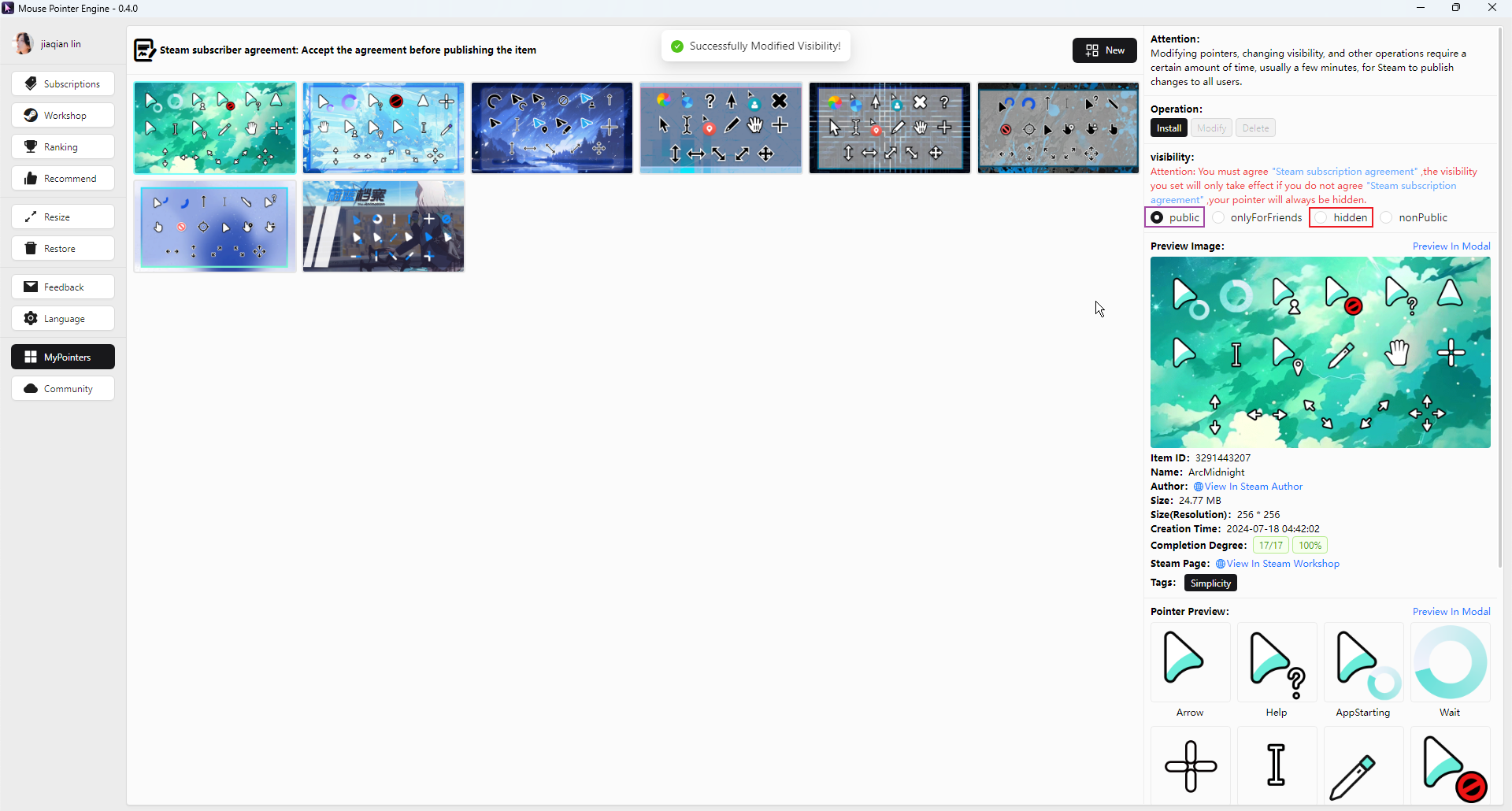
Open Mouse Pointer Engine and select the New button in MyPointes
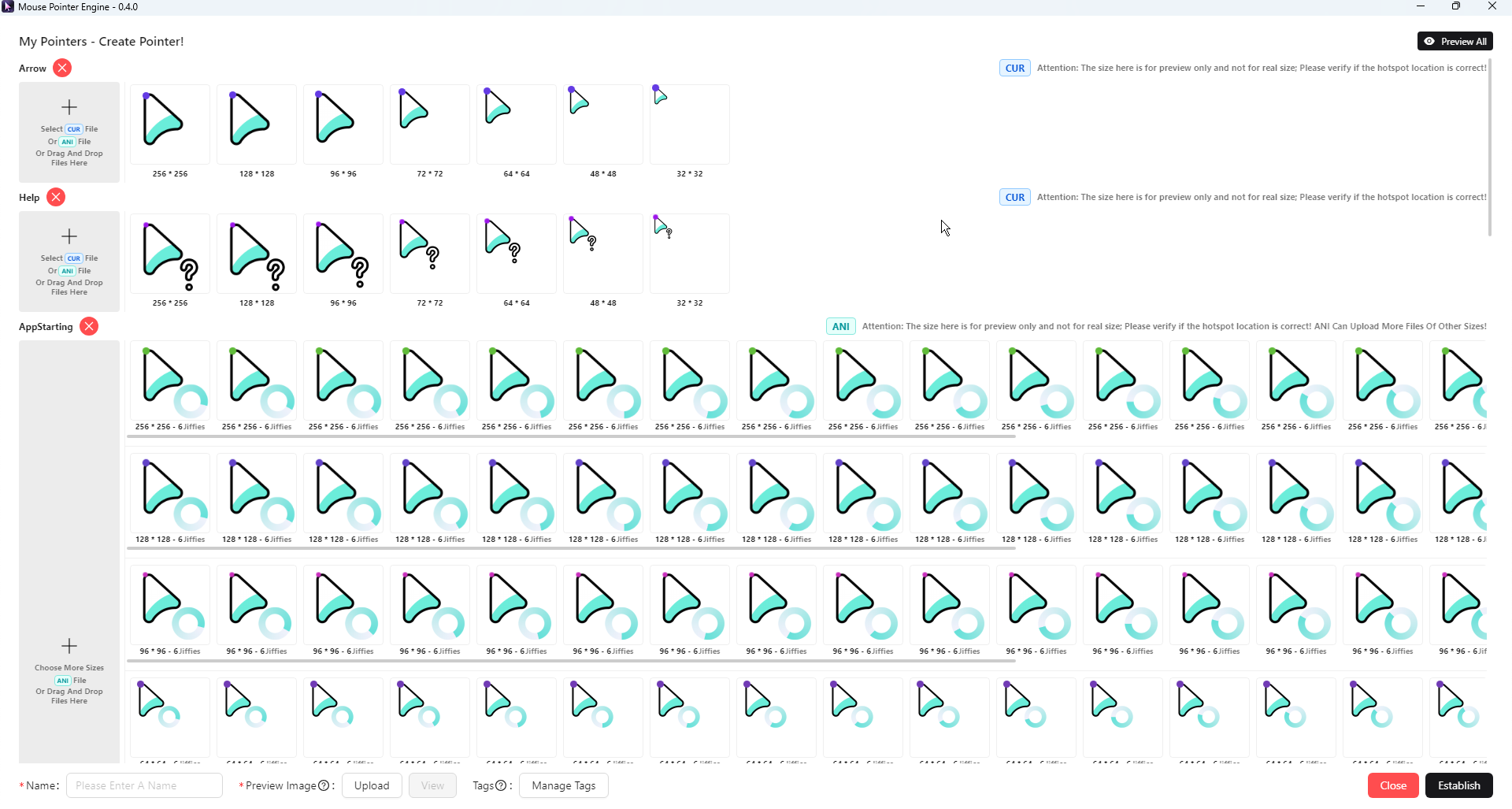
Drag the pointer file to the corresponding area CUR files can only drag and drop one file (a CUR file can already contain multiple sizes) ANI files can be dragged and dropped in different sizes
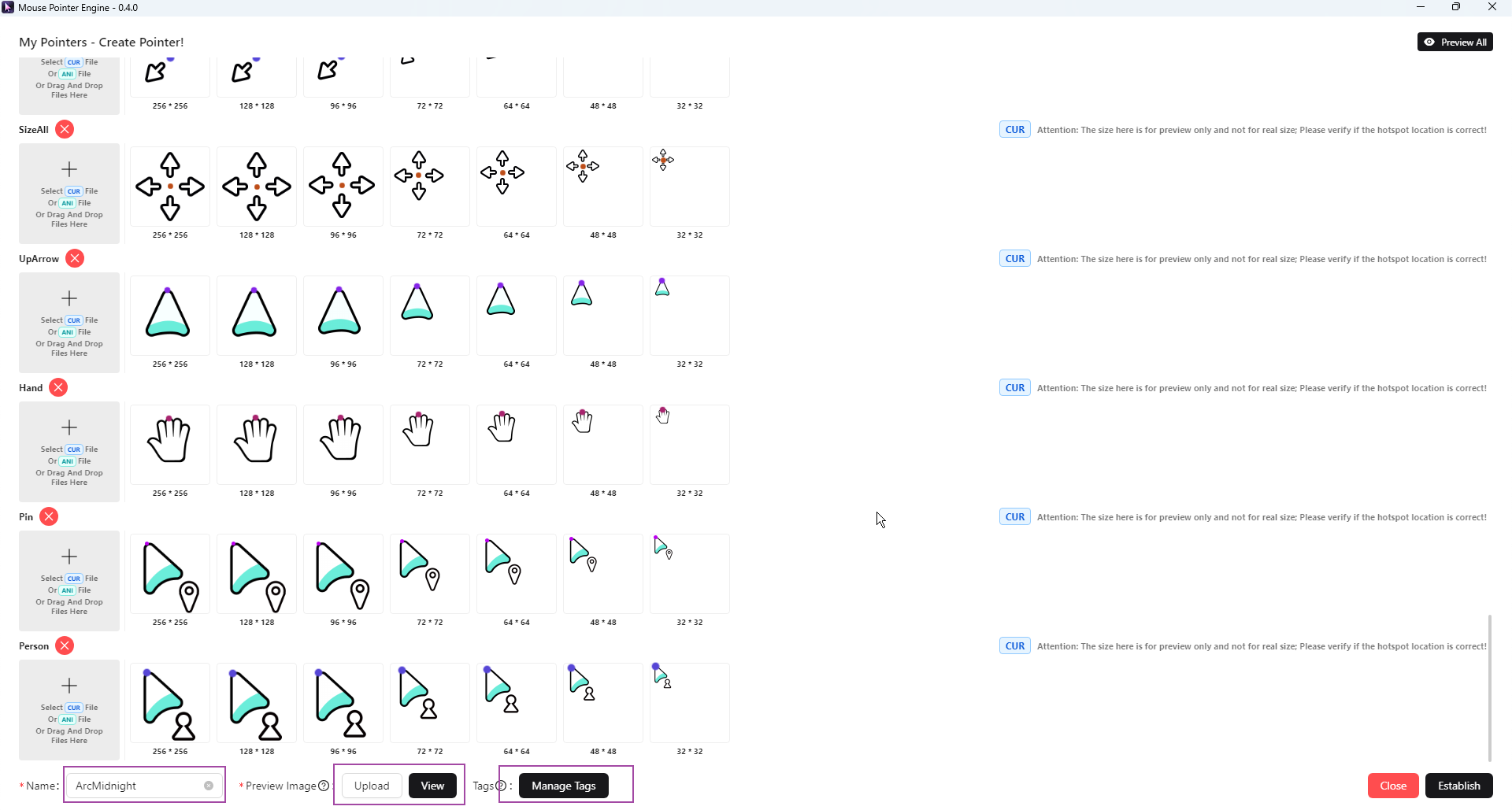
Improve information Fill in pointer name, upload preview image, set tags
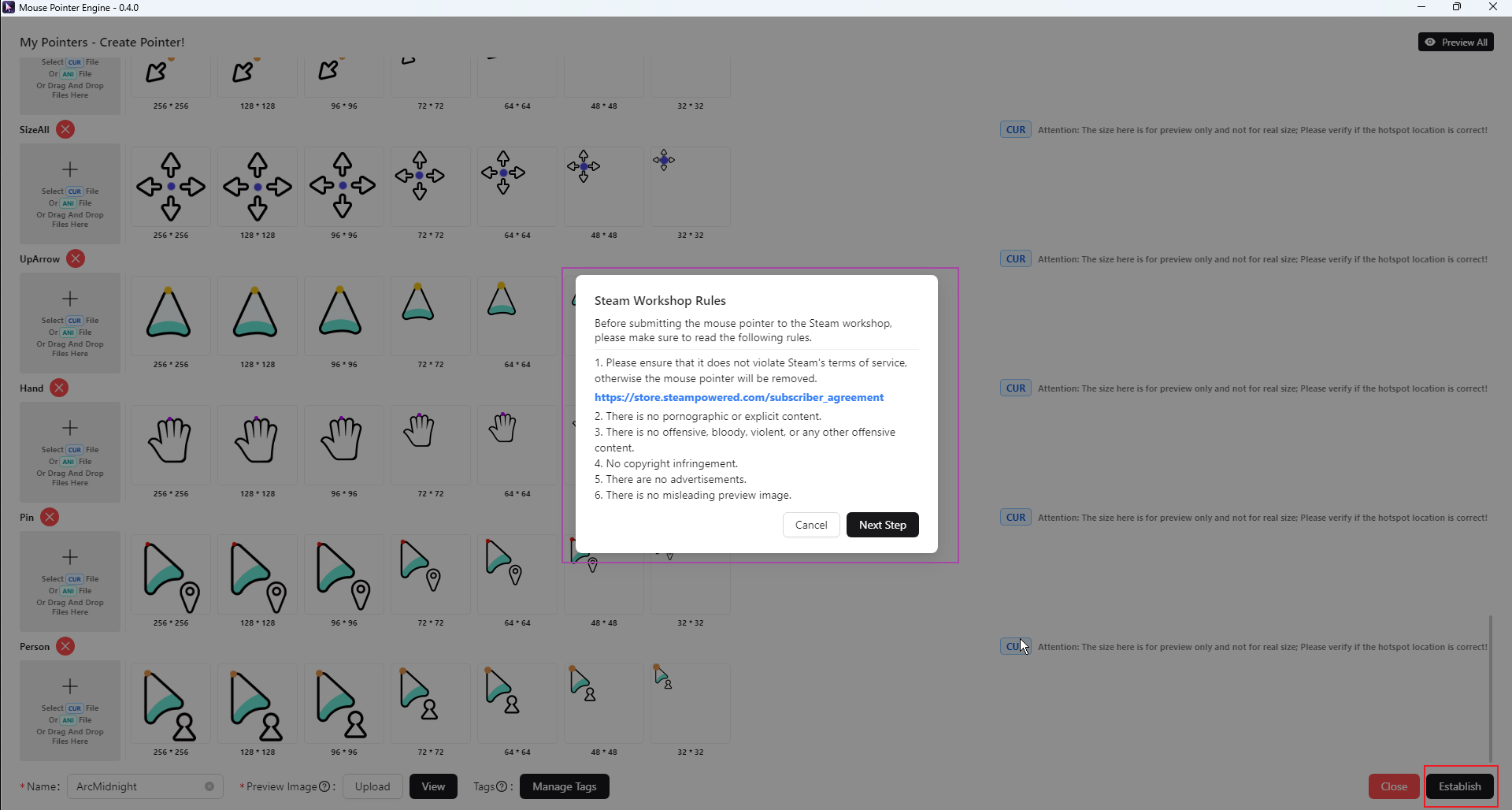
Agree to the agreement
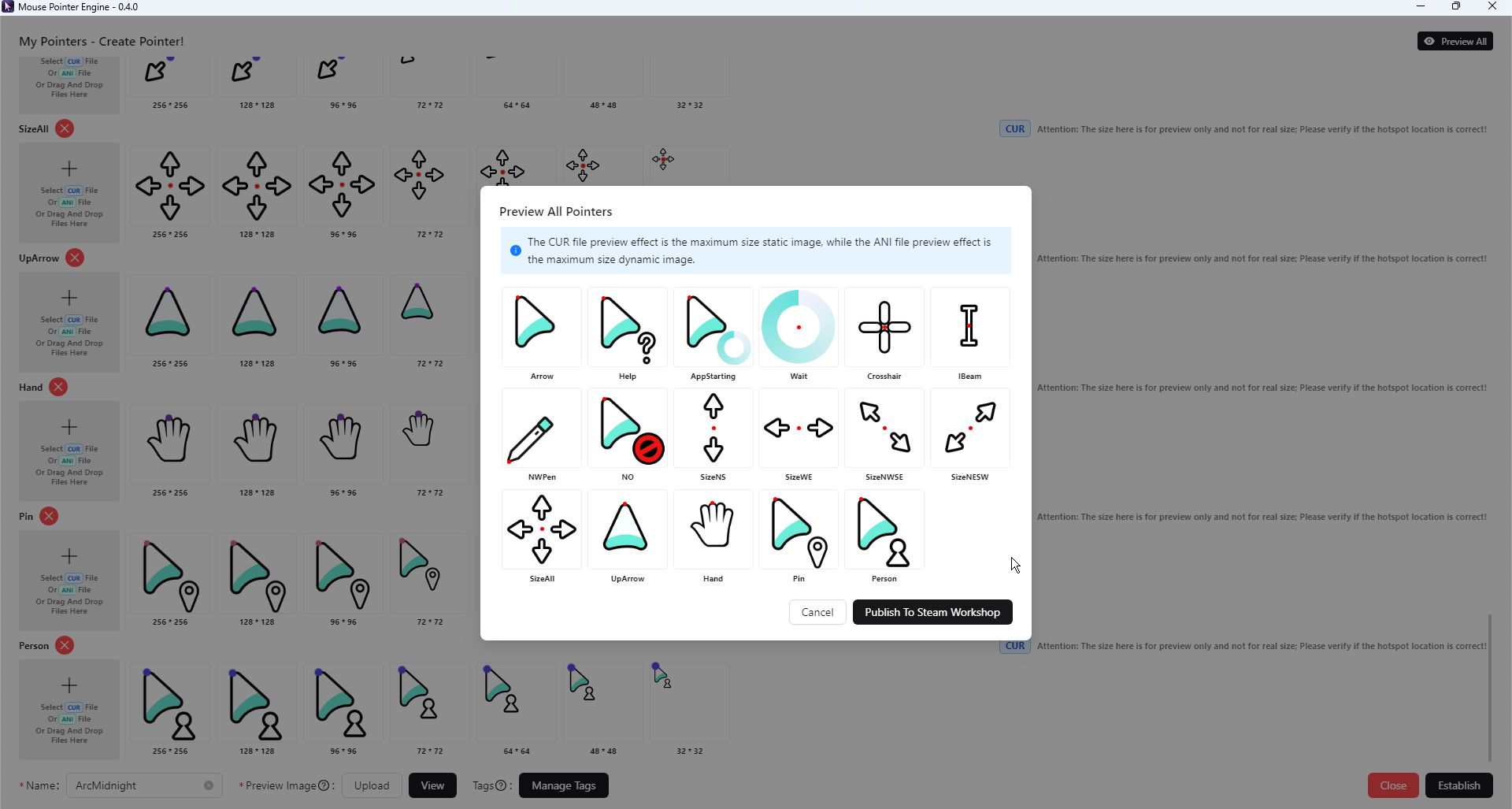
Preview and check pointers
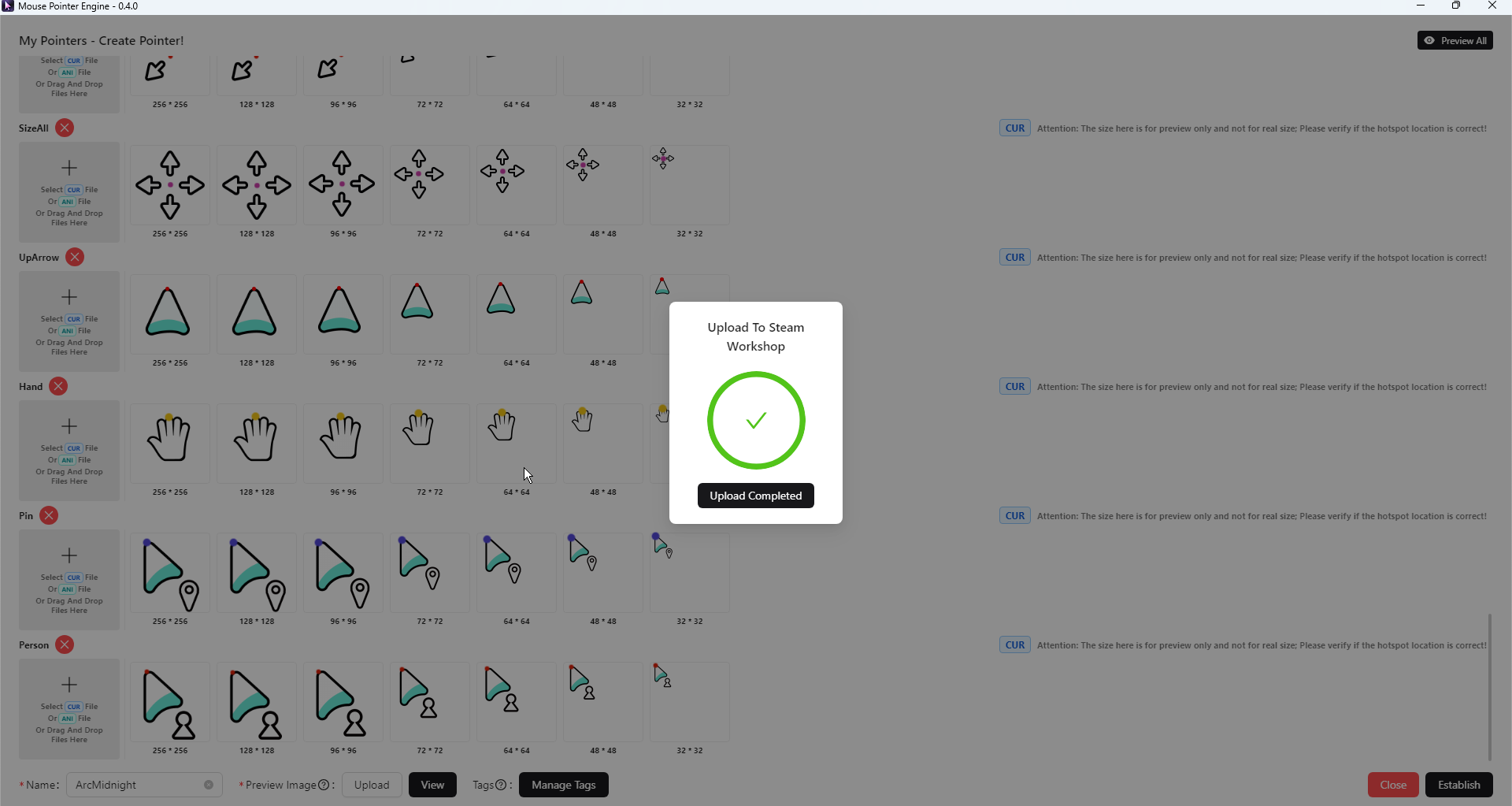
Upload to Steam Workshop If an error occurs: Please check your network and try again Multiple errors, please contact customer service