7. Image generation pointer file
Basic description
We have created "Image Generation" - "Mouse Pointer File" to simplify the process of creating mouse pointer files. This feature can only simplify the second item in the following process.
Attention: The process of creating a pointer:
Create PNG format images using professional graphic software such as
Adobe Photoshop.Quickly generate pointer files that are compatible with multiple sizes from PNG format images using the
Mouse Pointer Engine.Upload pointer files to Steam Workshop through
Mouse Pointer Engine.Publicize the mouse pointer you created so that all users can use it.
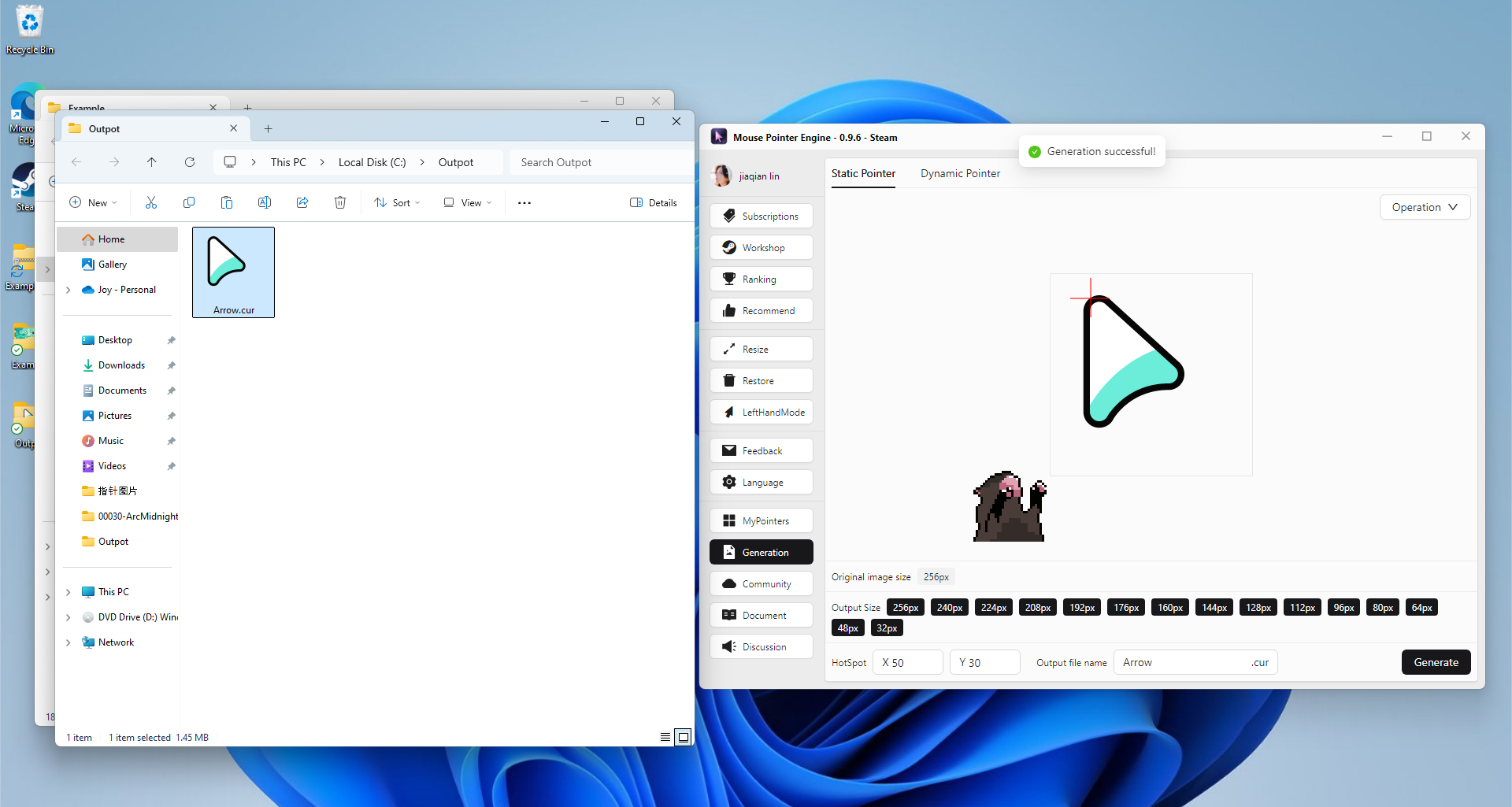
Generate mouse pointer files through images - Multi size - CUR static cursor files
Drag and drop PNG images into the
Mouse Pointer Enginesoftware
Set 'hotspot' information
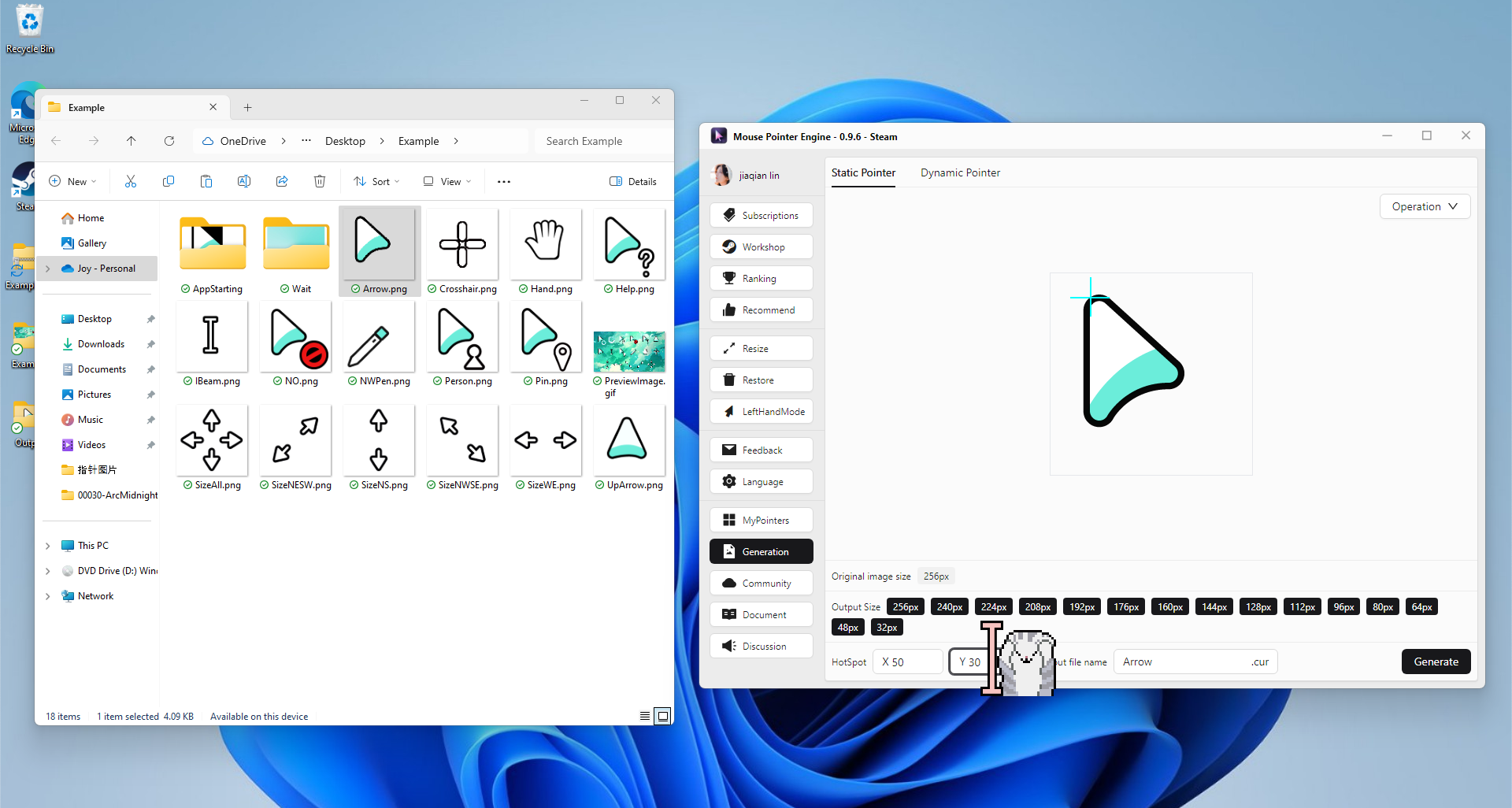
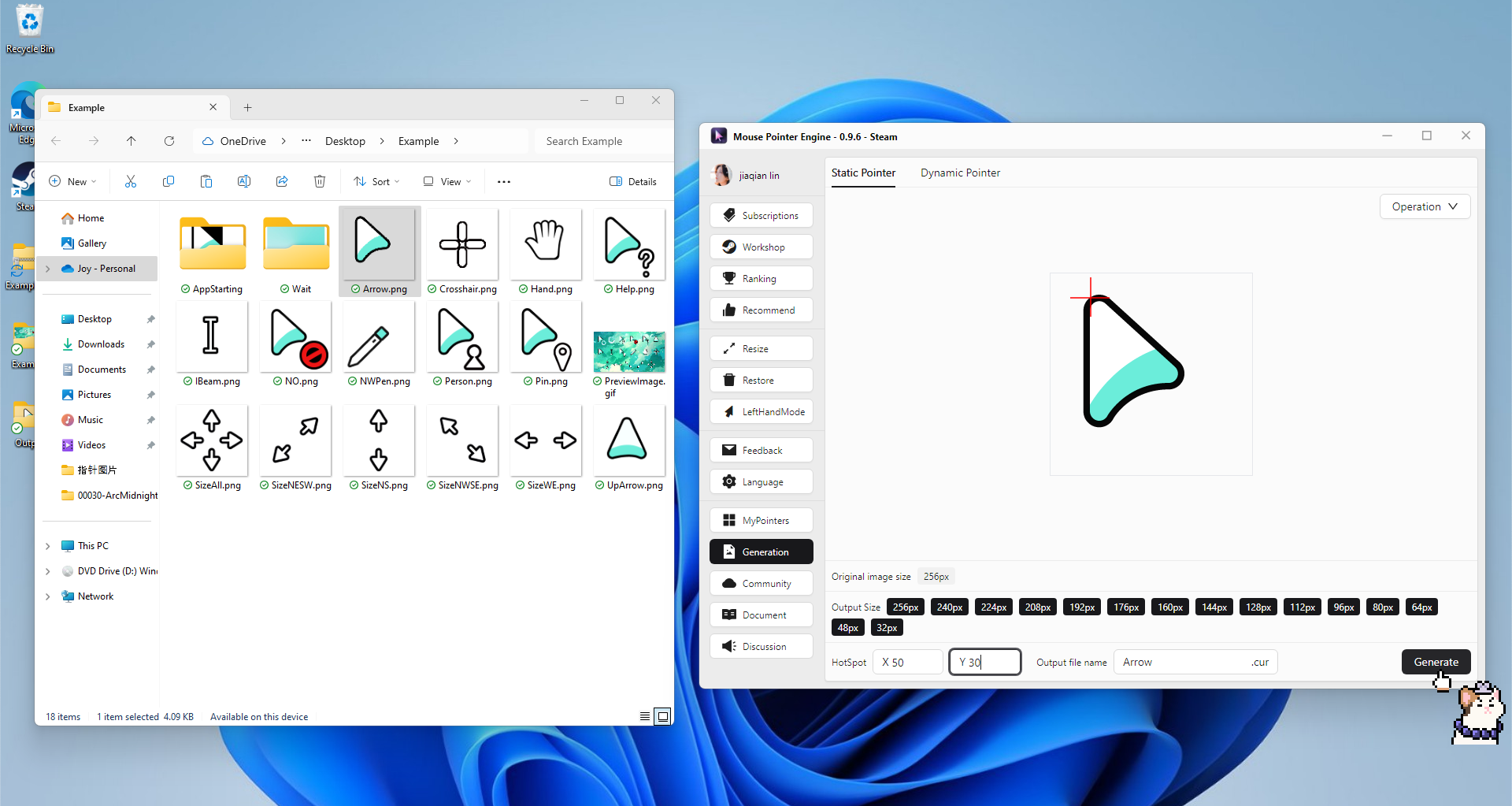
Click the 'Generate' button
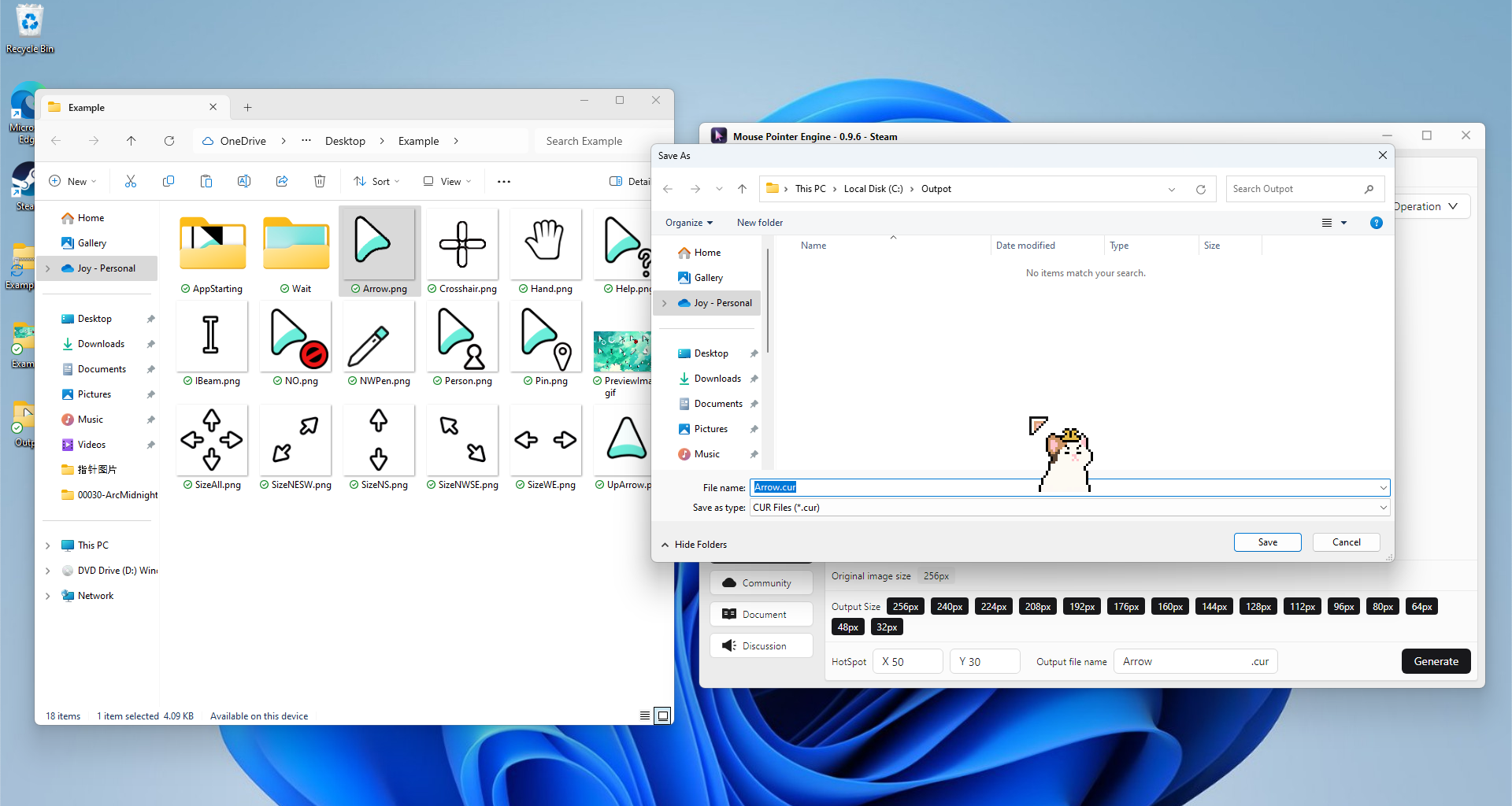
Choose to save to local disk location
Waiting for generation completion
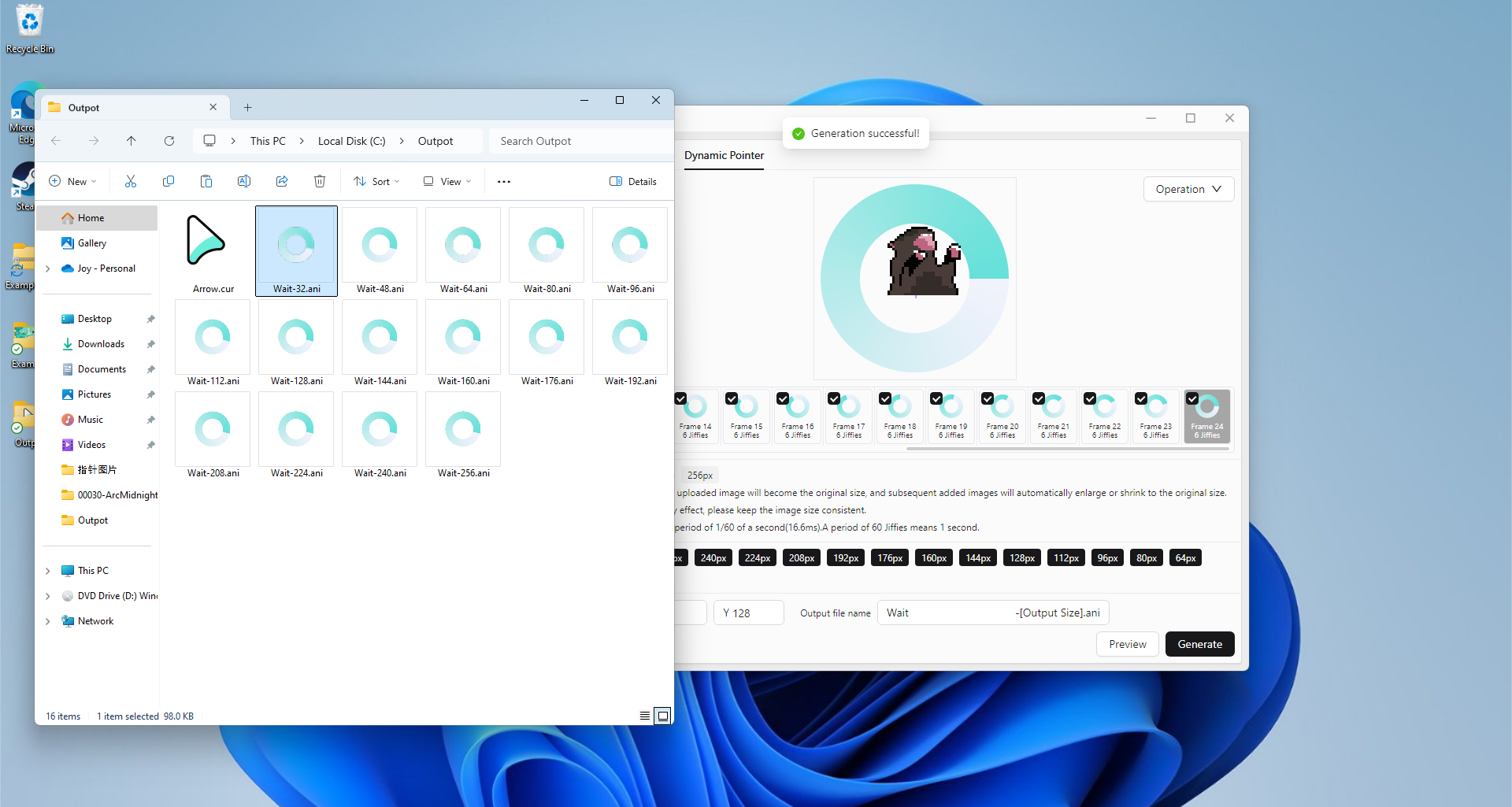
Generate mouse pointer files through images - Multi size - ANI dynamic cursor files
Drag the first PNG image into the
Mouse Pointer Enginesoftware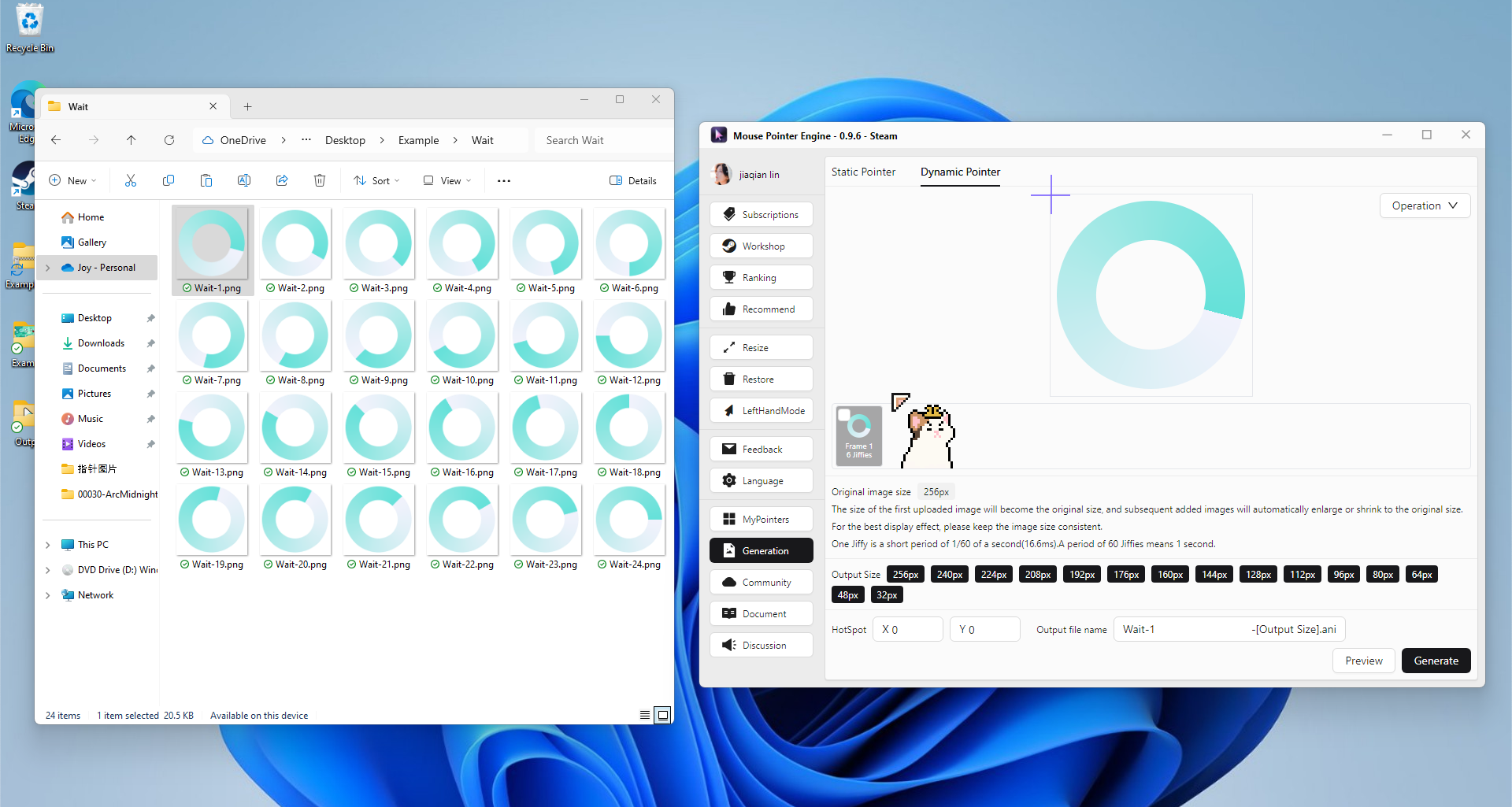
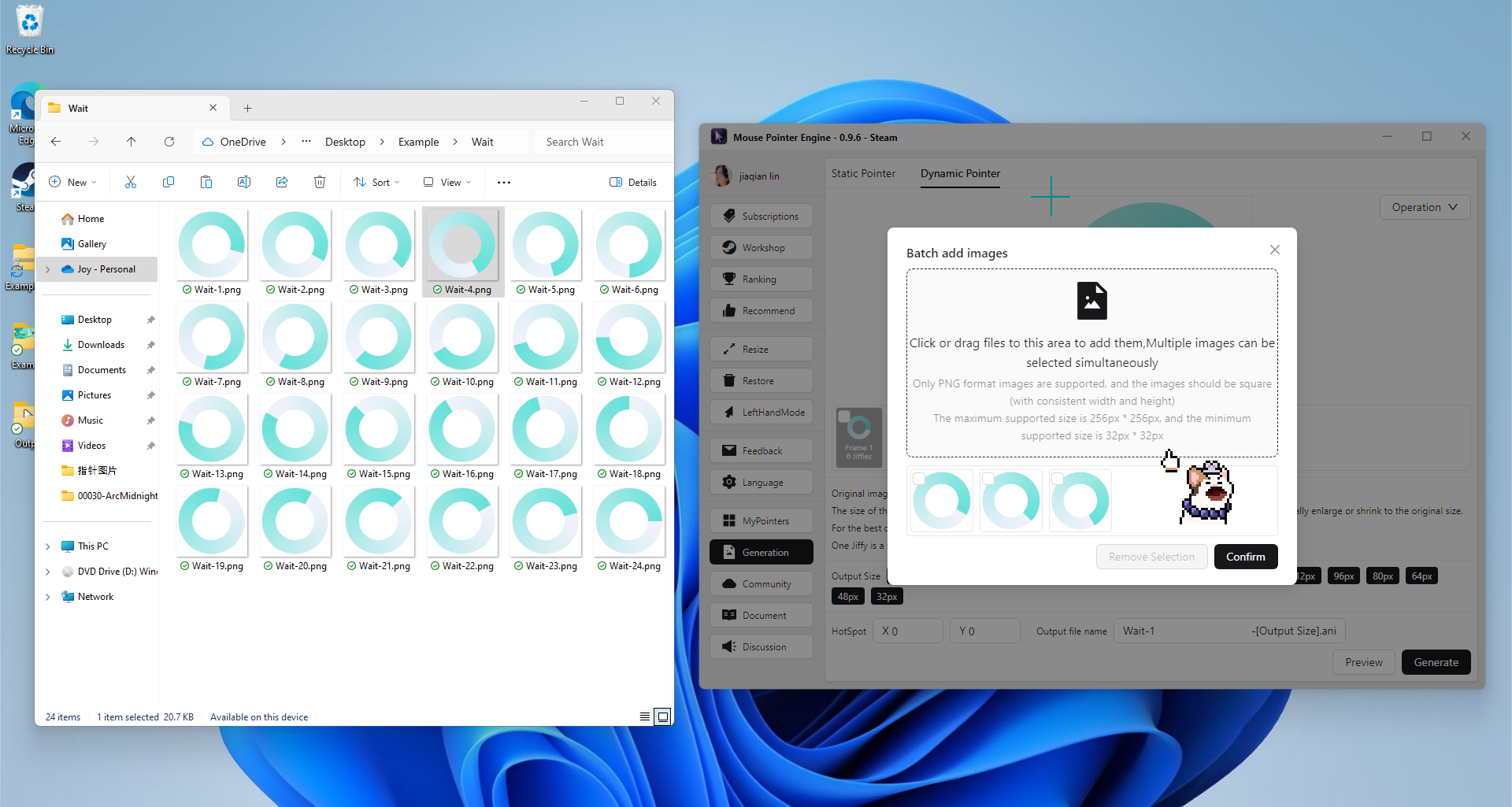
Add other subsequent images


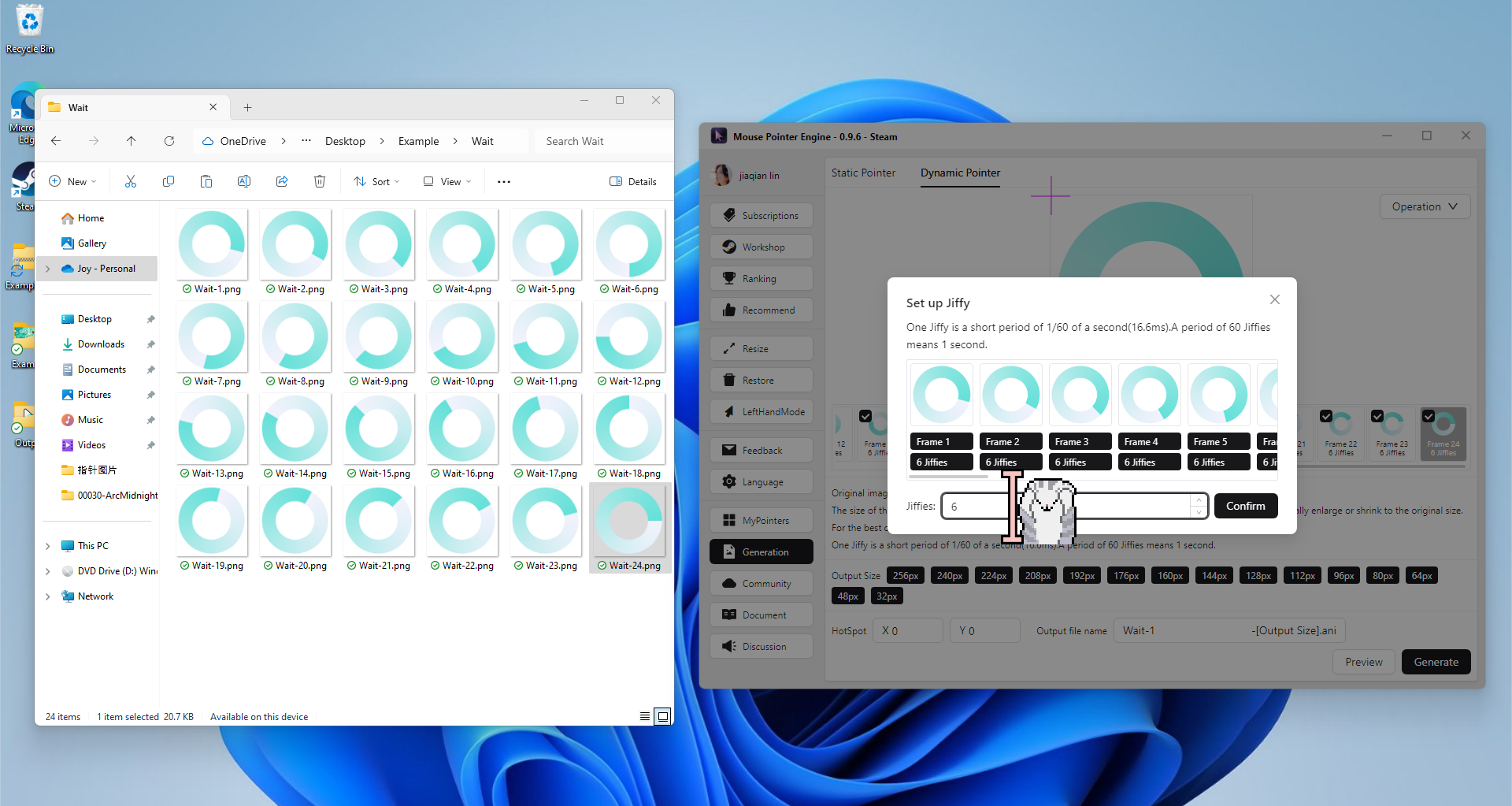
Set
Jiffies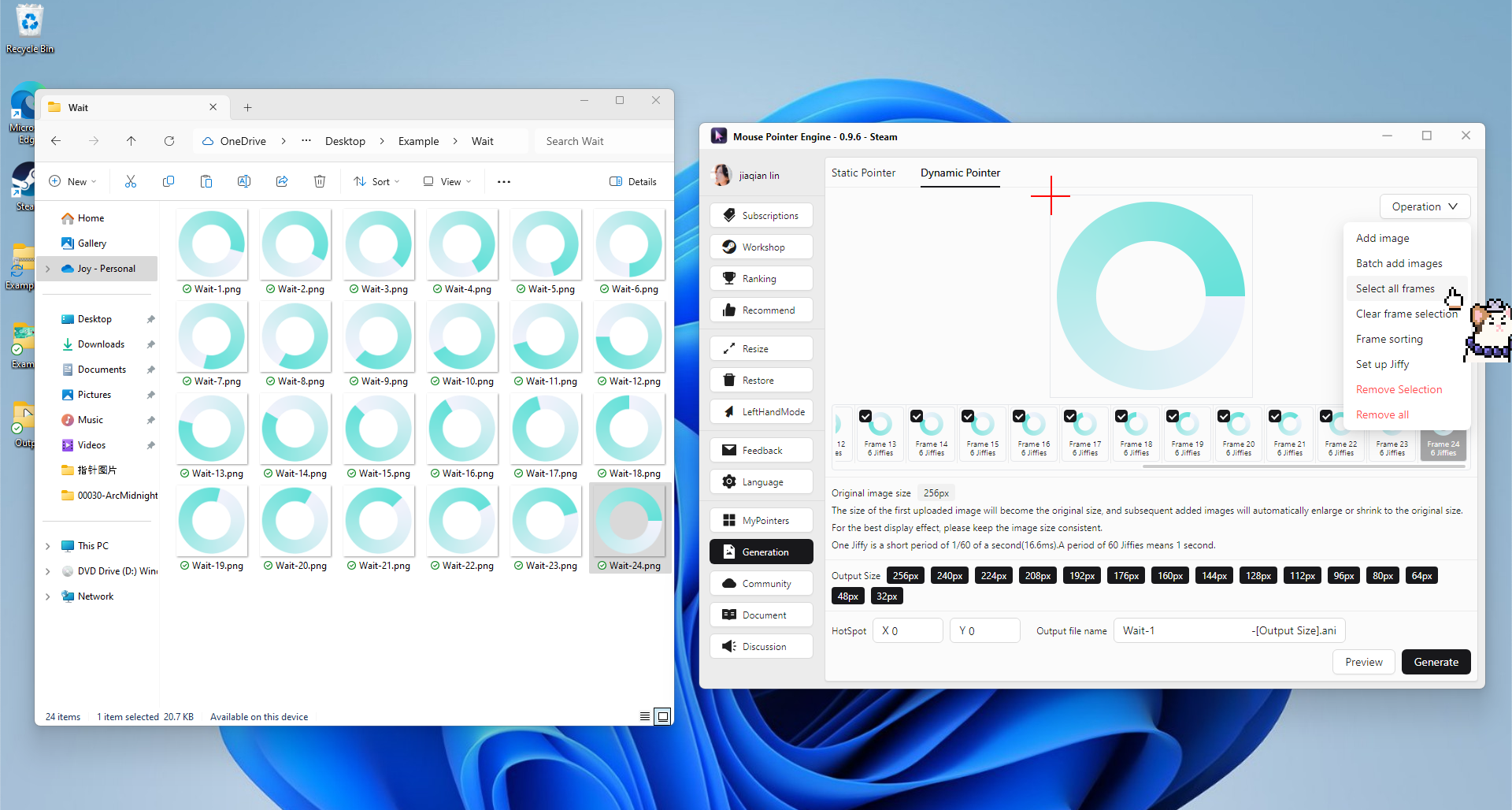

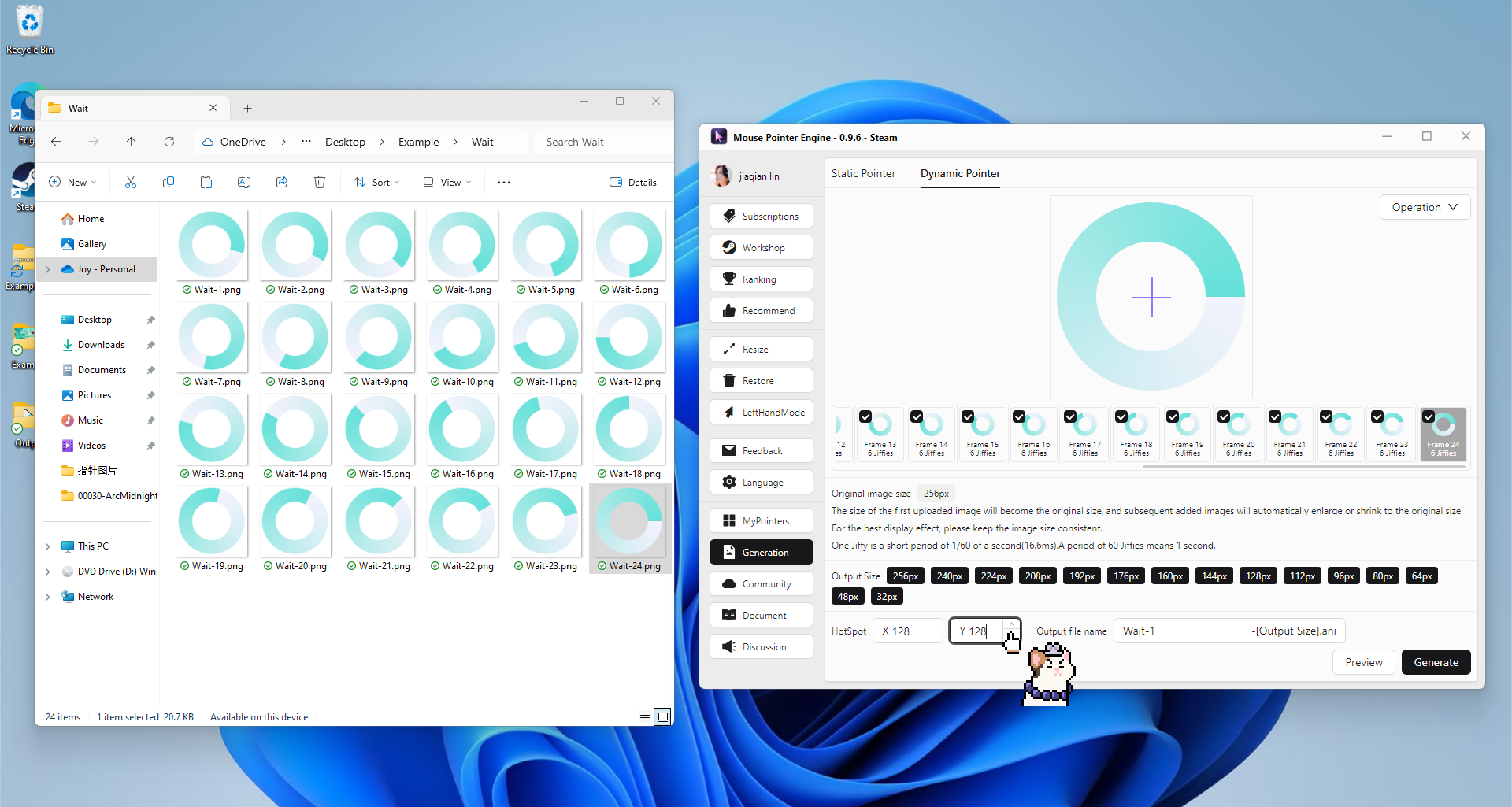
Set 'hotspot' information
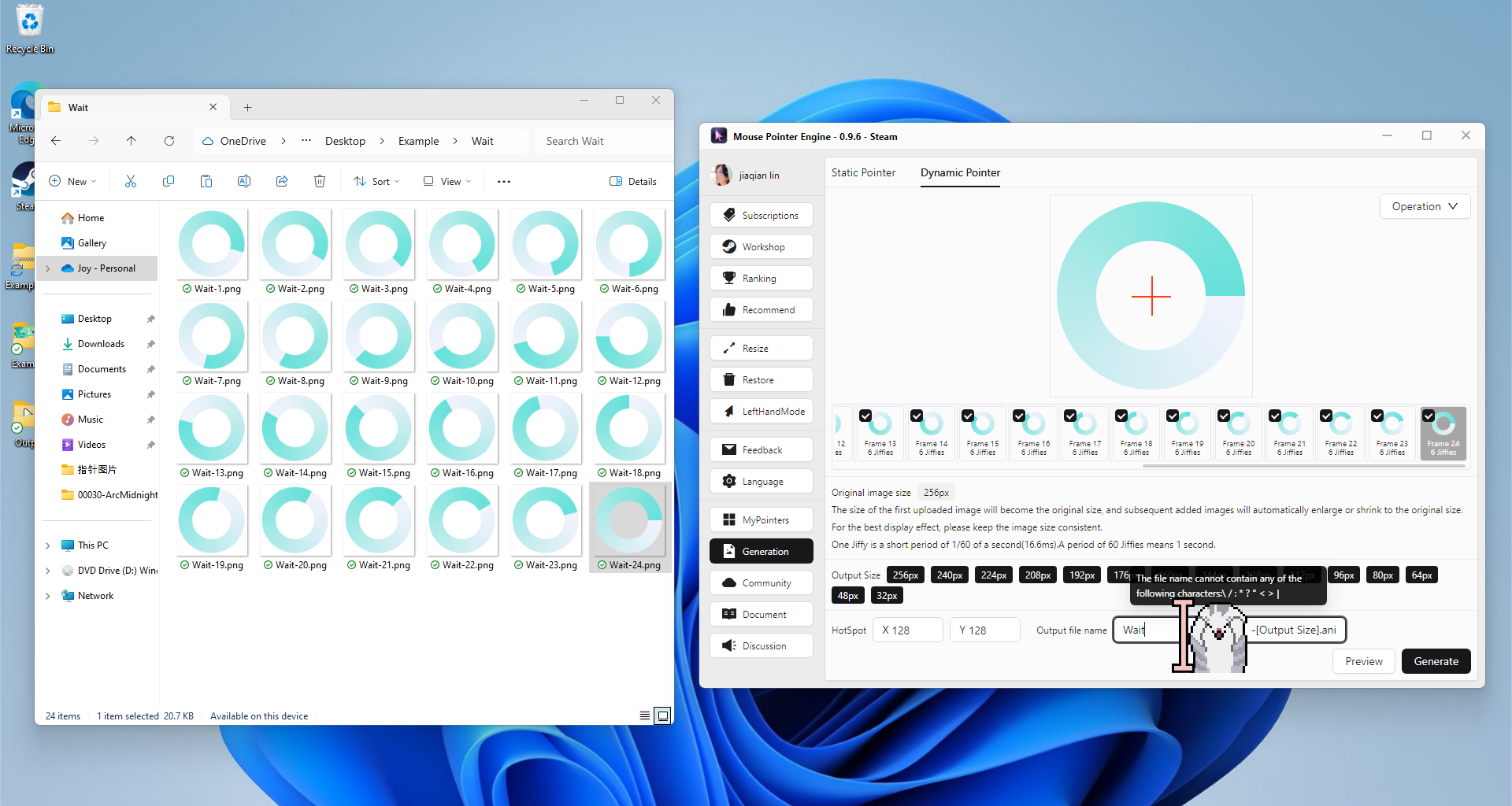
Set output name
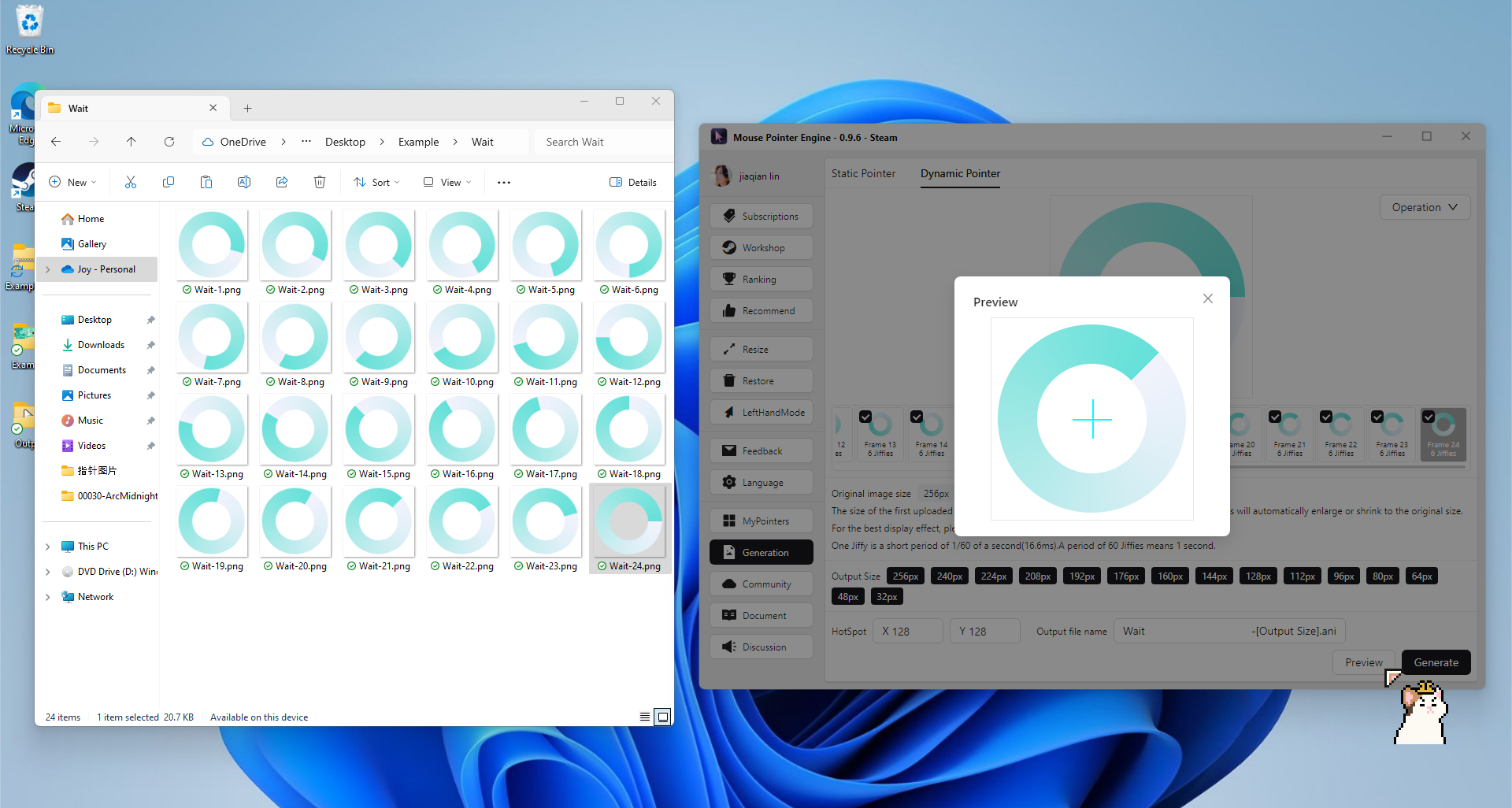
Preview
Start generating
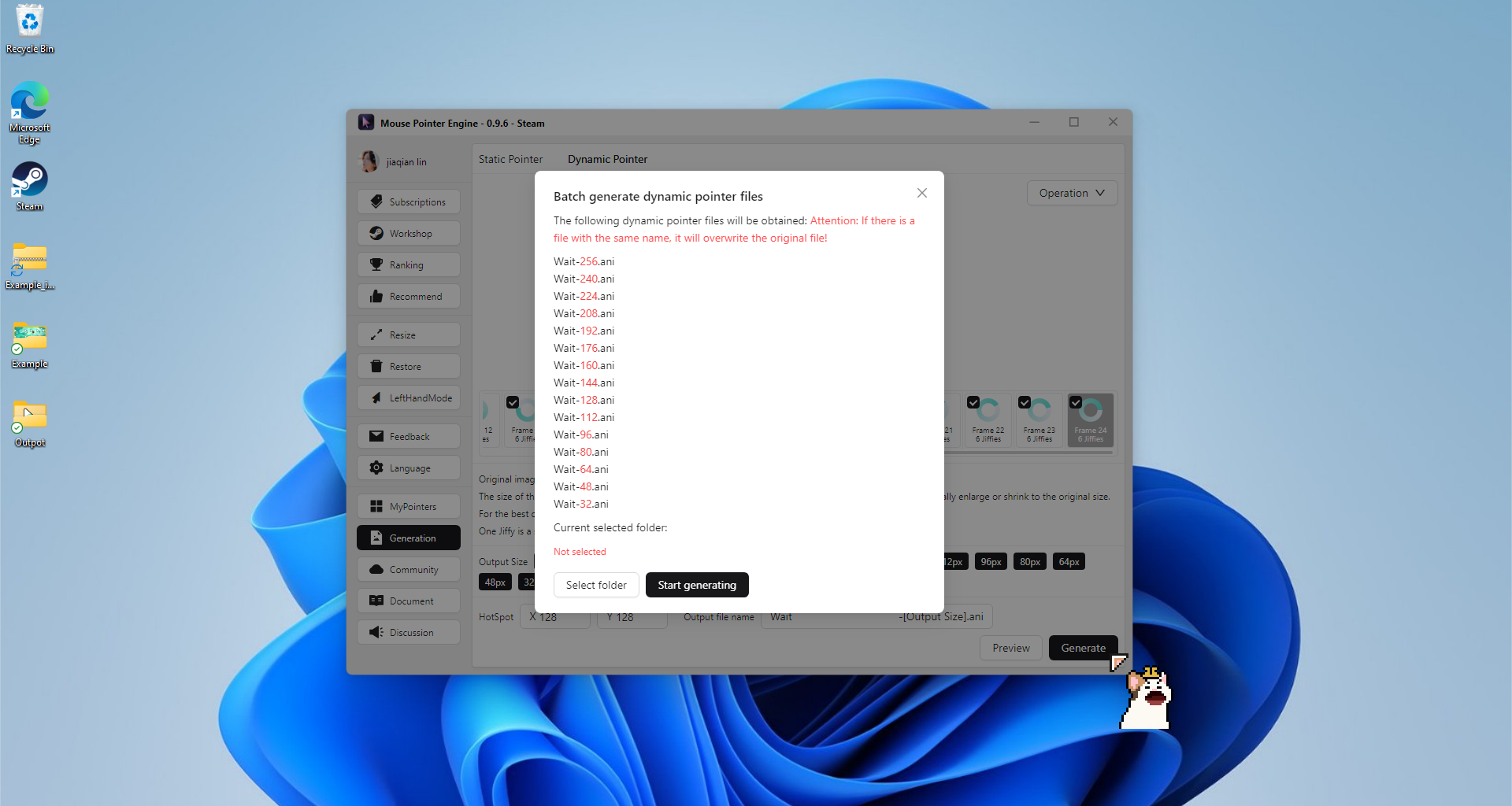
Select output folder

Waiting for generation completion